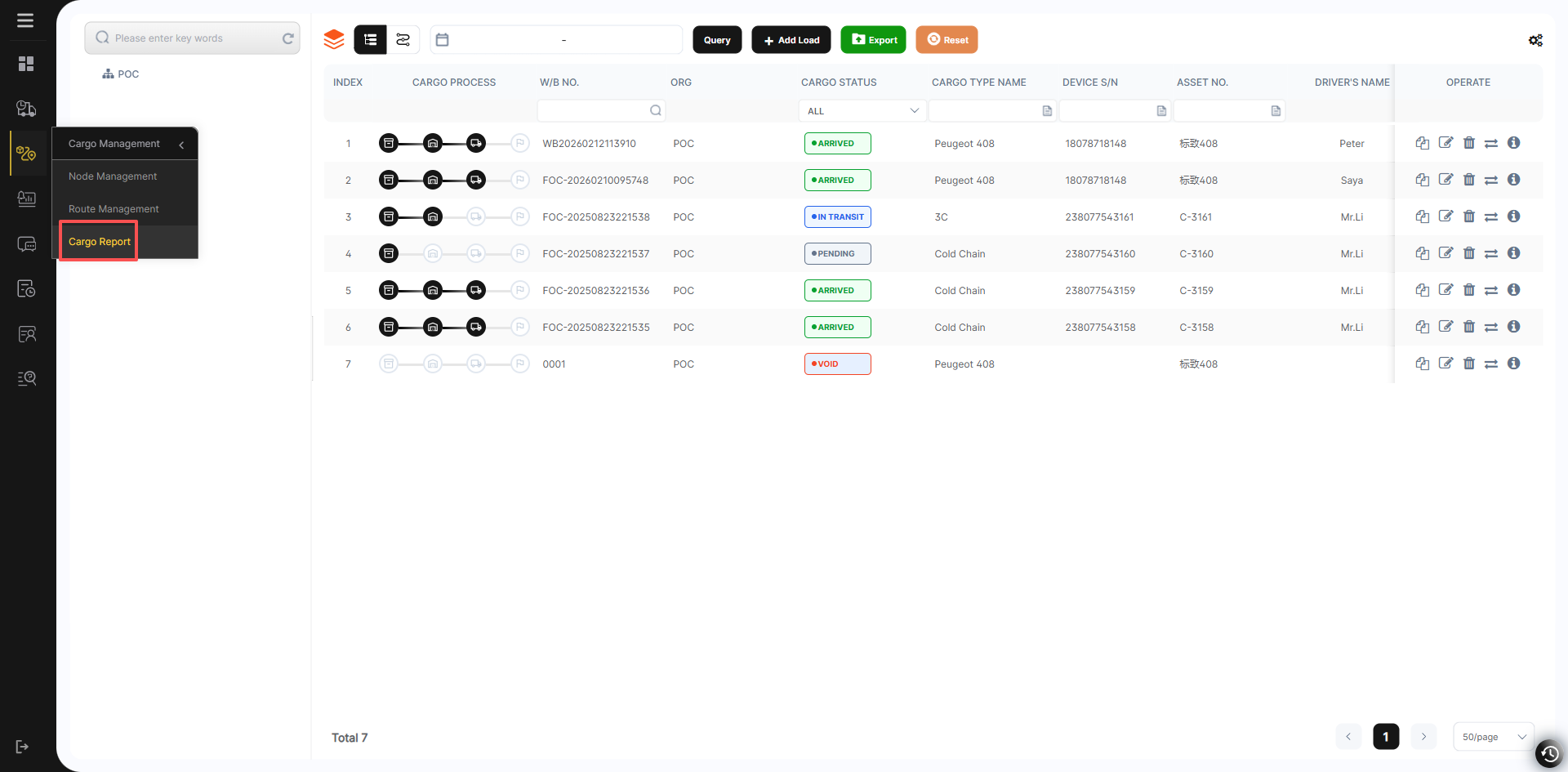
Cargo Monitoring
All ongoing transportation tasks can be viewed in Cargo Monitoring.
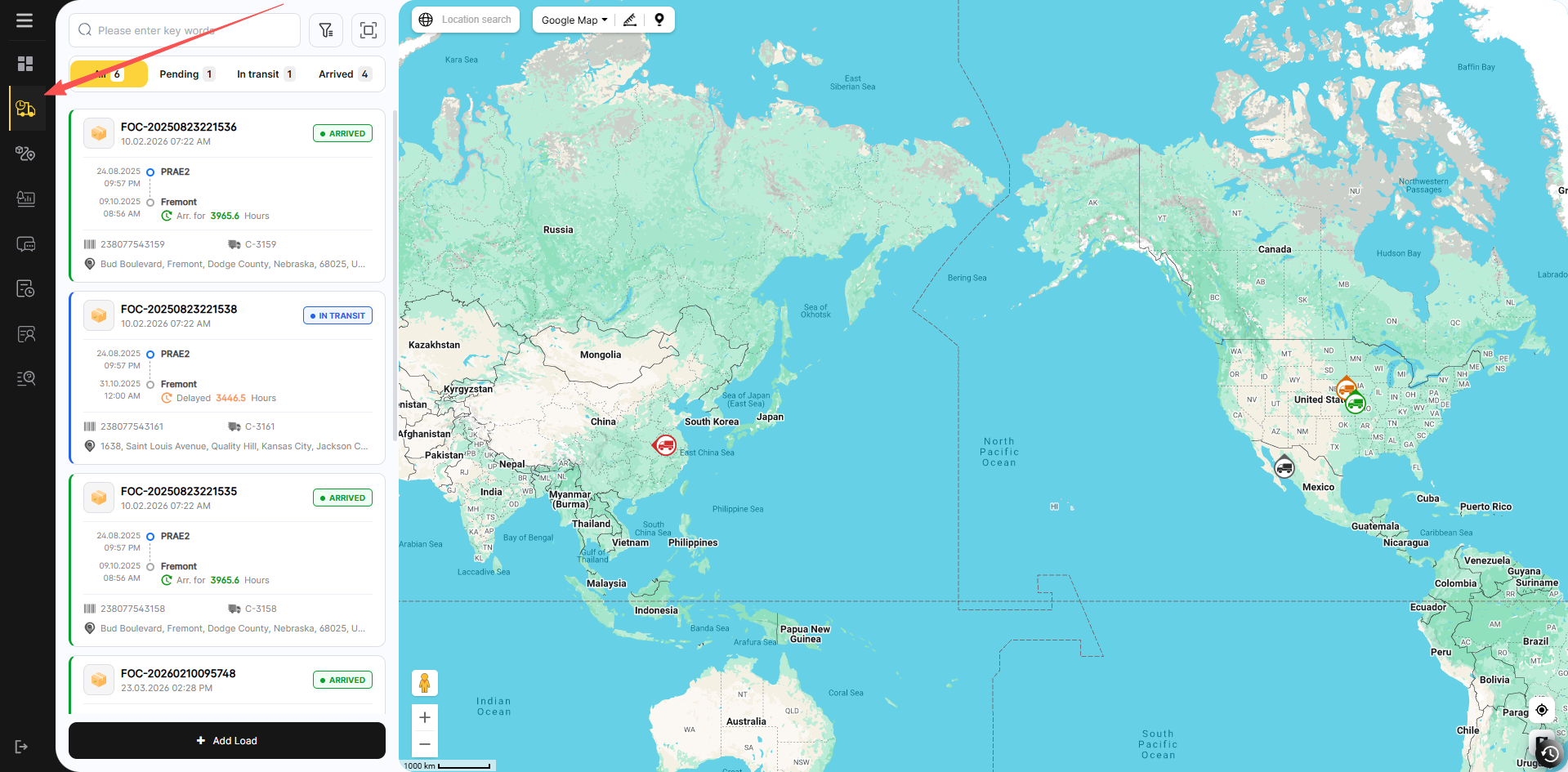 .
.
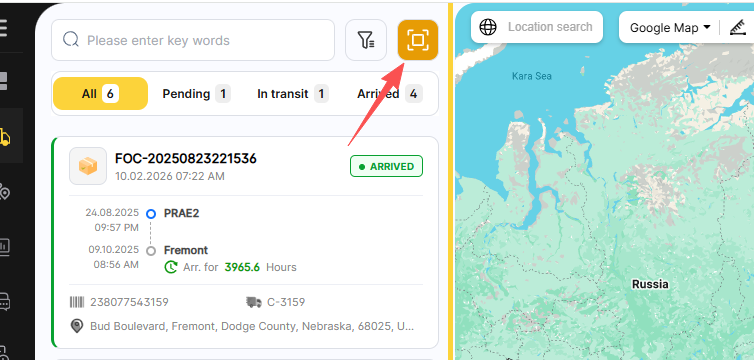
Click here to switch the monitoring mode.
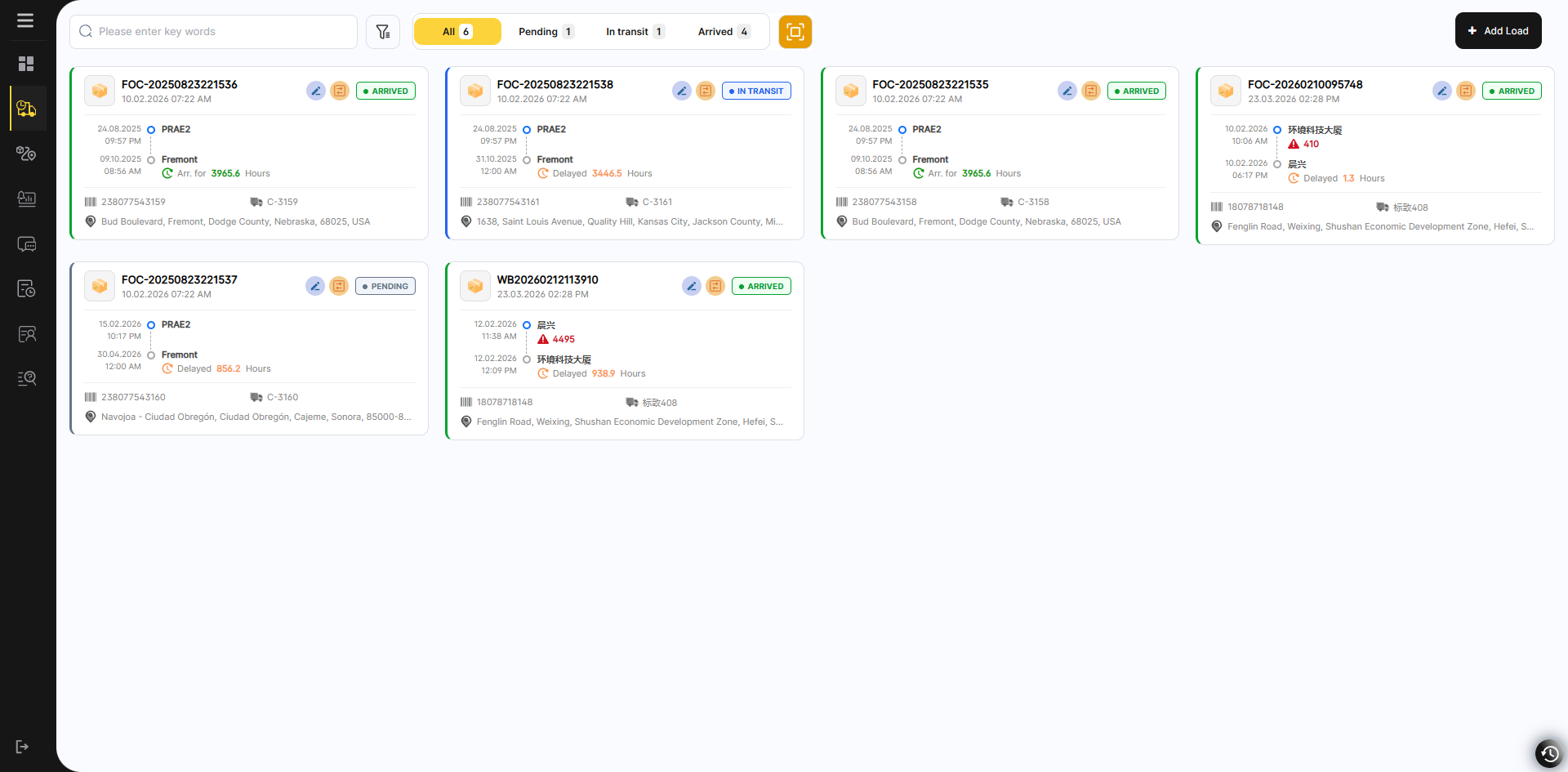
Move the mouse over the status bar to view the details of this Cargo.
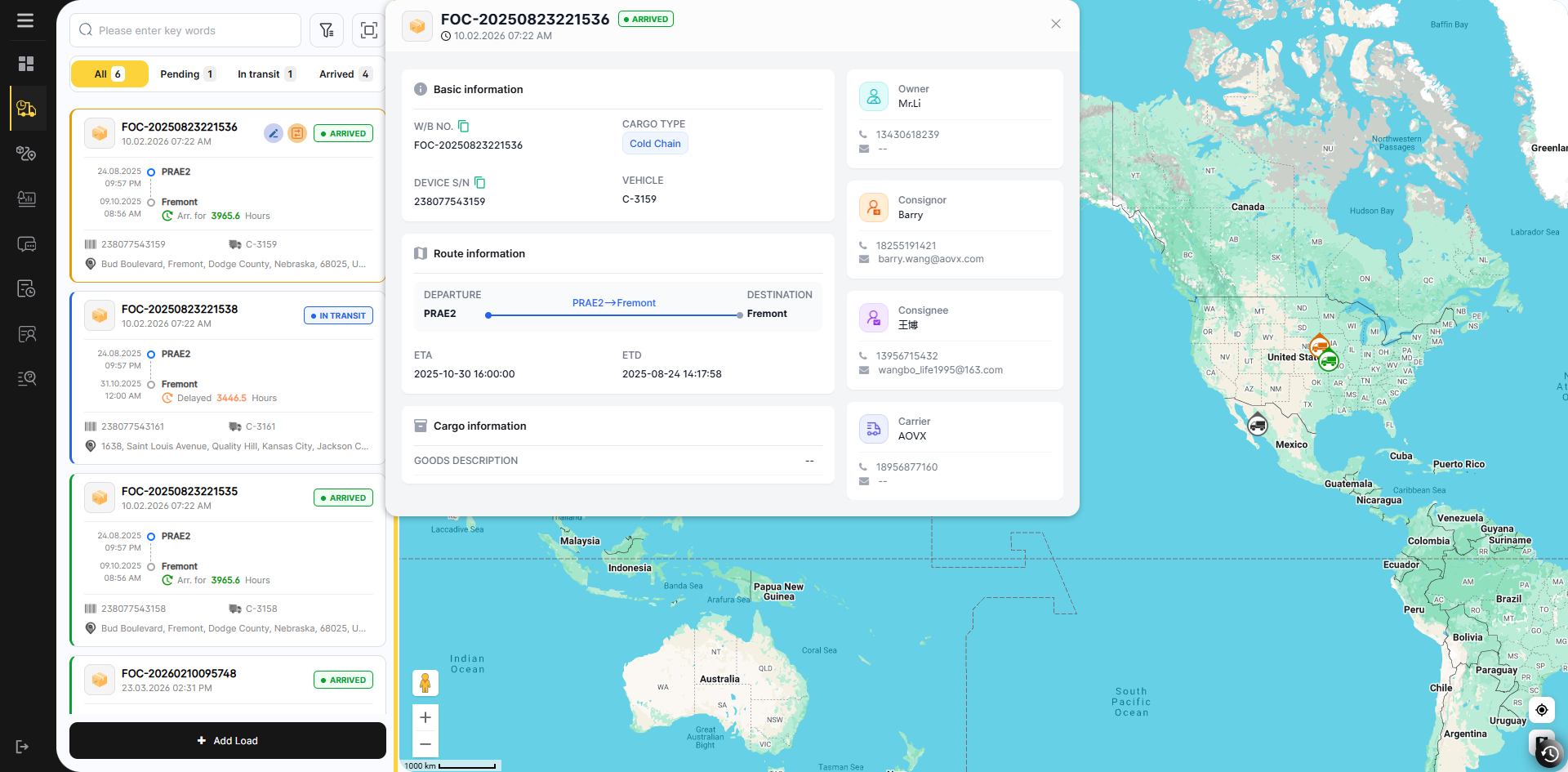
Click the card to view the detailed in-transit transportation information of the goods on the map.
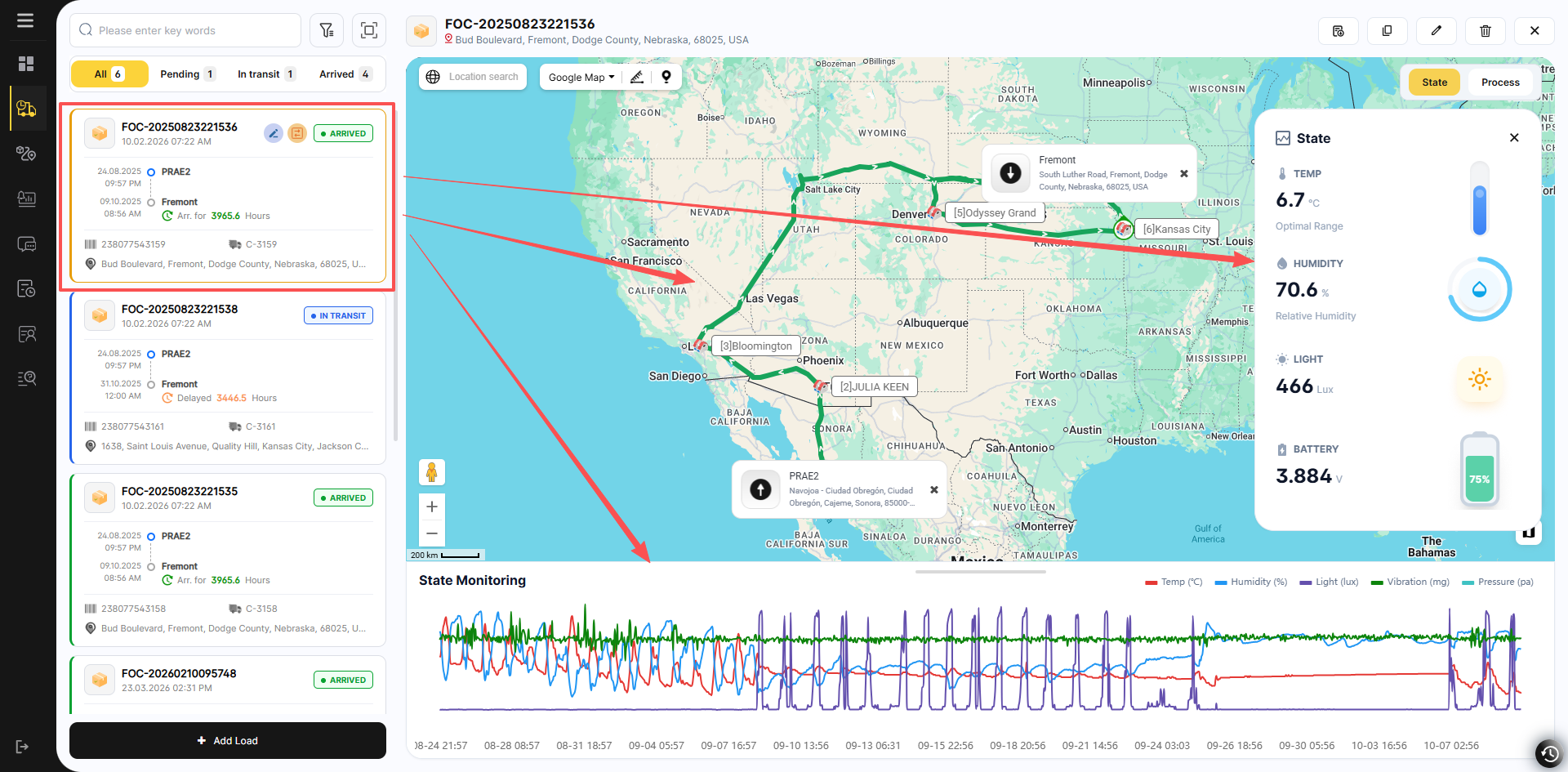
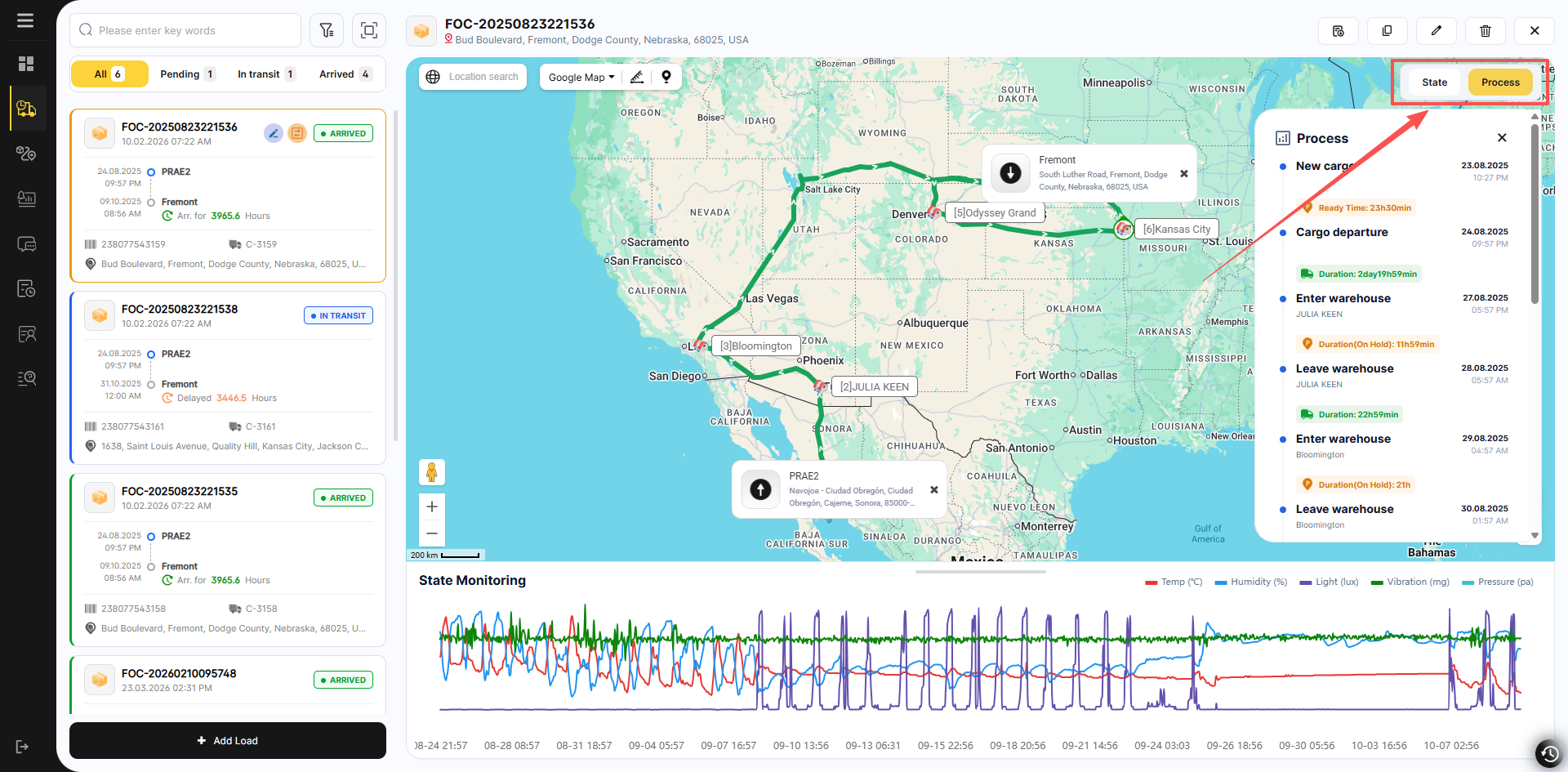
You can switch between viewing the real-time status and transportation progress of the goods here.
The upper right corner contains operations for the currently selected Cargo.
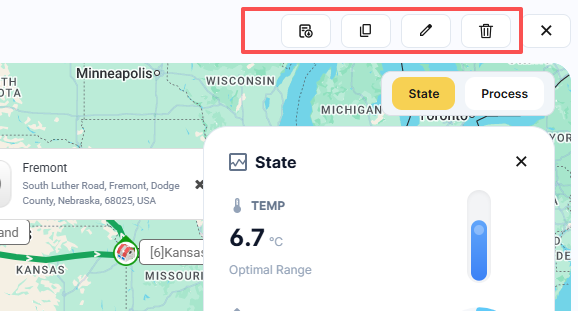
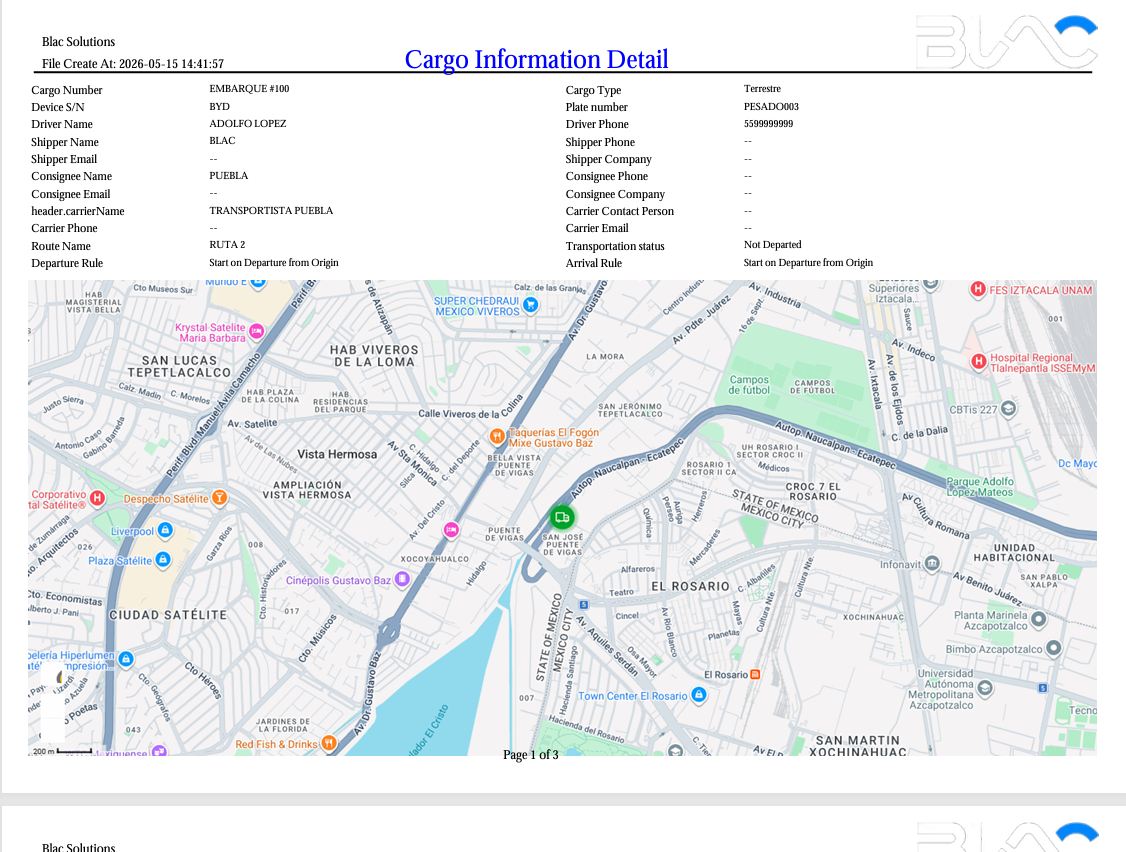
Export
Export the detailed report of the current cargo.
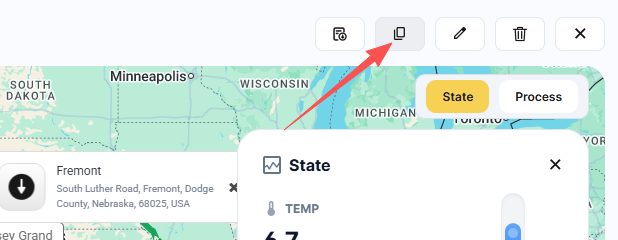
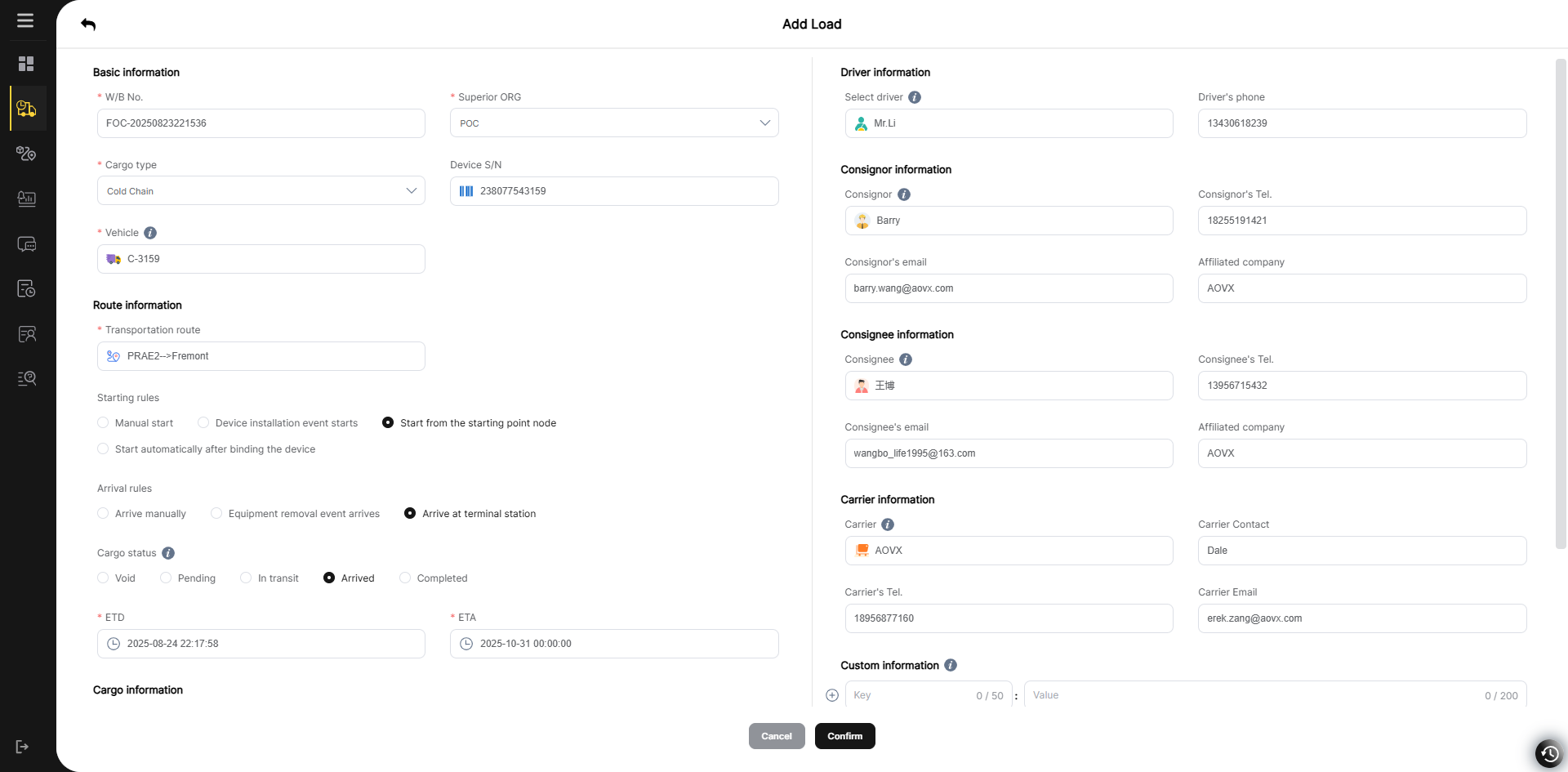
Copy
The copy function applies the basic information of this Cargo to the next waybill, reducing the need for users to fill in various types of complicated information.
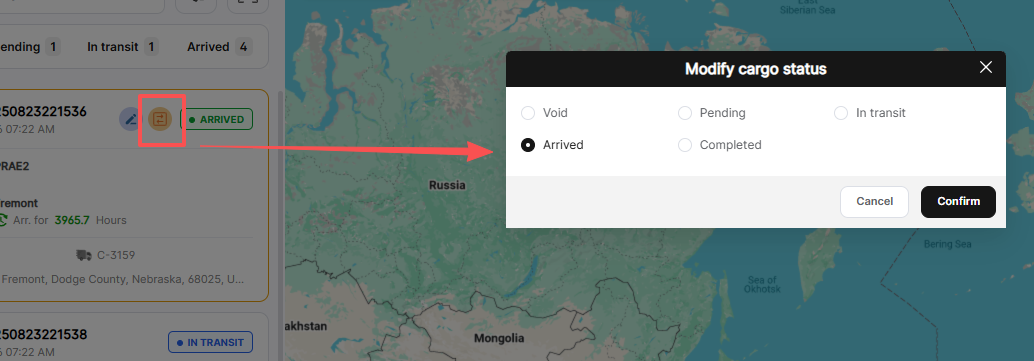
On each Cargo card, the transportation status of the Cargo can be manually adjusted.
Finally, in the Cargo Management module, you can view all transportation tasks, including those in transit and completed, and export reports.